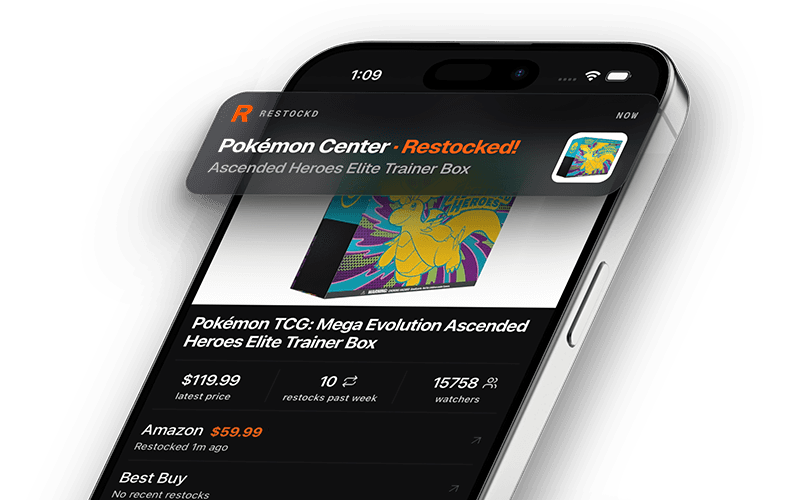
Welcome To Restockd.app
How to Use Restockd.app
Restockd is an innovative platform designed to help you never miss product restocks again.
Getting Started
Create an Account: Visit Restockd.app and click on "Get access" on the in the top menu. Sign up using your email address to begin your restock tracking journey.
Finding Products to Track
Explore Products: Navigate to the "Products" section to browse all available items. You can:
- Filter by category to narrow down your search
- Apply tag filters to find specific types of products
- Sort products using different criteria
Product Details: Click on any product to view its detailed page, which includes:
- Product information and images
- Restock history and timing
- Current watch count (number of people tracking the item)
- Links to purchase the product when available
Tracking Products
Watch Products: When viewing a product you're interested in, click the "Watch" button to add it to your tracking list. You'll receive notifications when the product restocks.
Manage Your Watched Products: After logging in, your homepage will display all the products you're currently tracking, making it easy to monitor your items of interest.
View Restock History: Each product page shows a restock history chart, helping you understand patterns and frequency of availability.
Notification System
The notification system is a core feature of Restockd that ensures you never miss a restock:
Real-time Alerts: When a product you're watching comes back in stock, you'll receive an instant notification through the app.
Notification Preferences: Customize your notification experience through account settings:
- Sound Alerts: Toggle notification sounds on/off according to your preference
- Toast Notifications: Enable/disable visual toast notifications that appear in the app
- Auto-Open Pages: Optionally configure the app to automatically open product pages when a restock is detected
Notification Management:
- View all your notifications in the notification panel
- Mark notifications as read individually or all at once
- Clear notifications you no longer need
Product Details: Each notification includes:
- Product name and image
- Retailer information
- Price (when available)
- Direct link to purchase the item
Quick Actions: Click "View" on any notification to open the product page directly and mark the notification as read.
Staying Connected
Join our Discord Connect with the Restockd community
Stay updated with the latest app features and major restocks by following Restockd on social platforms like X (Twitter).
Tips for Success
- Keep the webapp open, you can leave the tab running in the background and you will get alerted (sound alert if enabled) when an item comes in stock
- Keep notification settings enabled to ensure you're alerted immediately when items restock
- Configure auto-open pages for high-priority items to be first in line
- Join the community platforms for insider information and faster notifications
Restockd streamlines the often frustrating process of tracking product availability across multiple retailers, saving you time and helping you secure the items you want before they sell out again. Happy hunting!
More from the blog
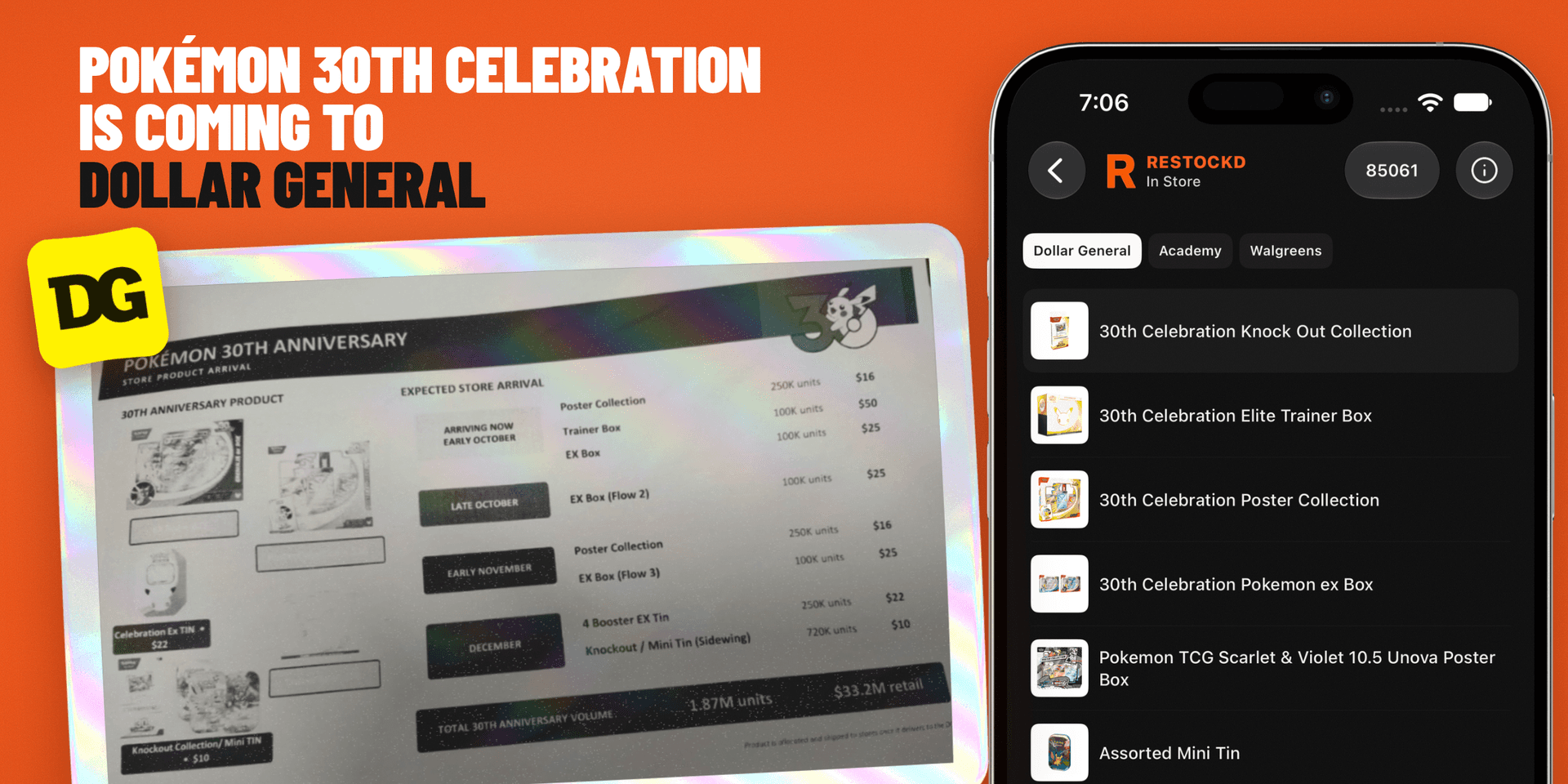
Get real-time restock alerts on iPhone and Android.
Download the free Restockd app, turn on push notifications for tracked products, and jump to checkout the moment stock returns.